Optimize SharePoint and Microsoft 365 for Better Collaboration
Improve findability. Govern access. Prepare for Copilot.
JourneyTeam helps organizations improve how content is organized, governed, and managed across SharePoint and Microsoft 365 so employees can find trusted information faster and prepare for Copilot with confidence.

Bring Structure to Content Across Microsoft 365
From SharePoint and Teams to OneDrive and legacy file locations, JourneyTeam supports content migration into Microsoft 365 with the structure, governance, and long-term oversight needed to make it sustainable.

Let Copilot Do the Heavy Lifting
Generate content, summarize documents, and surface insights across SharePoint and Microsoft 365 with Copilot.

Organize and Find What Matters, Fast
Centralize institutional knowledge with intelligent tagging, search, and governance.

Your Intranet, Your Identity—at Any Scale
Build a digital workplace that reflects your brand and scales with your business.
Organize SharePoint Around How Business Works
Easier to find. Easier to manage.
JourneyTeam structures SharePoint sites, Teams workspaces, document libraries, navigation, and content ownership, so information is easier to find, easier to manage, and more reliable across the business.
When content is labeled, structured, searched, and maintained more effectively across Microsoft 365, employees can find the right document, policy, process, or project file faster.
- Metadata and tagging
- Search optimization
- Content cleanup
- Duplicate content reduction
Practical governance across SharePoint, Teams, OneDrive, and Microsoft 365 makes it easier to manage access, protect content, and support collaboration without adding unnecessary friction.
- Permissions and access reviews
- External sharing controls
- Site ownership
- Retention and lifecycle policies
- Sensitive content protection
Microsoft Copilot works best when content is organized, governed, and easy to retrieve. JourneyTeam helps prepare Microsoft 365 environments for Copilot by improving the structure, security, and quality of the content Copilot can access.
- Content readiness
- Permission structures
- Sensitive data exposure
- Teams and OneDrive usage
- Governance gaps before Copilot rollout
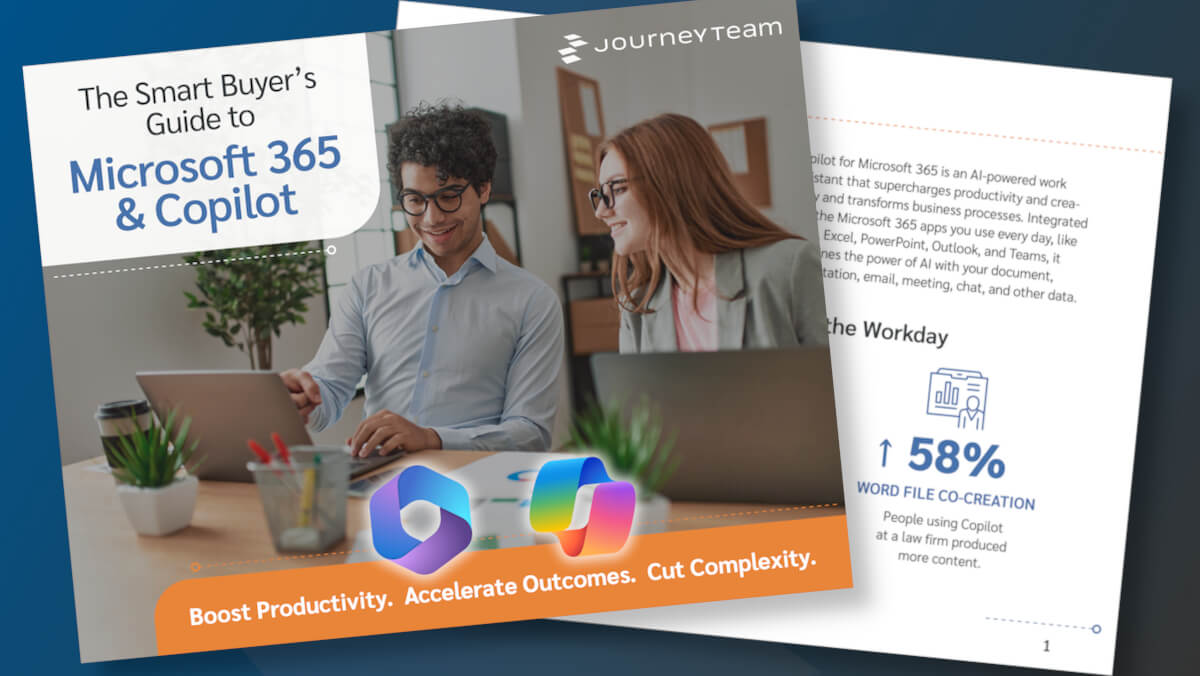
Smarter Work with Microsoft 365 & Copilot
If you’re exploring how Microsoft 365 and Copilot can support your organization, JourneyTeam has created a good place to start. Our new eBook explains how Microsoft’s AI-powered tool Copilot is being used to significantly reduce manual work, streamline communication, and help teams spend more time where it matters.
Rethink How You Organize Information

A SharePoint migration to Microsoft 365 is an opportunity to rethink how files should be organized, secured, and used across the business. JourneyTeam helps migrate and modernize content from:
- File shares
- Legacy SharePoint sites
- OneDrive
- Teams
- Google Drive
- Dropbox
- Other document repositories
Real Stories. Real Impact.

It’s one of those environments where it feels like you’re collaborating with a partner that has all the knowledge, capabilities and connections within Microsoft to help guide us in making the right decisions.
Stanley Ferguson Director of Information Technology, Huish Outdoors
Ready to Change How Your Organization Shares Information?
Whether you are planning a SharePoint migration, improving governance, preparing for Copilot, or trying to make information easier to find, JourneyTeam can help you build a Microsoft 365 environment that is better organized, more secure, and easier to manage.
Latest SharePoint Insights
FAQs
SharePoint and Microsoft 365 optimization often includes improving site structure, navigation, document libraries, metadata, search, permissions, governance, and content lifecycle practices. The goal is to make information easier to find, manage, and trust across the organization.
A Microsoft 365 environment is better prepared for Copilot when content is organized, permissions are appropriate, sensitive information is protected, and employees can find trusted content. Readiness often depends on reducing content sprawl, improving governance, clarifying access, and addressing content quality issues.
Governance helps organizations manage access, sharing, content location, and retention. Without it, Microsoft 365 environments often become harder to search, secure, and manage over time. Good governance supports collaboration while reducing risk and confusion.
Organizations often migrate content from file shares, legacy SharePoint sites, OneDrive, Teams, Google Drive, Dropbox, and other repositories into Microsoft 365. A successful migration is not just about moving files. It is also a chance to improve structure, clean up outdated content, and apply governance.
Improving findability starts with better information architecture, clearer naming, stronger metadata, search tuning, and content cleanup. It also helps to reduce duplicate or outdated files, clarify ownership, and create more consistent structures across sites and workspaces.
For organizations dealing with content sprawl, governance concerns, Copilot preparation, or uncertainty about the current state of Microsoft 365, a tenant assessment can provide a clearer view of what is working well and where improvements may be needed. JourneyTeam’s Microsoft 365 Tenant Health Check reviews the environment and surfaces recommendations around security, compliance, performance, cost-effectiveness, and scalability.