The Smart Buyer’s Guide to Microsoft 365 & Copilot
Smarter Work with Microsoft 365 & Copilot: What You Should Know
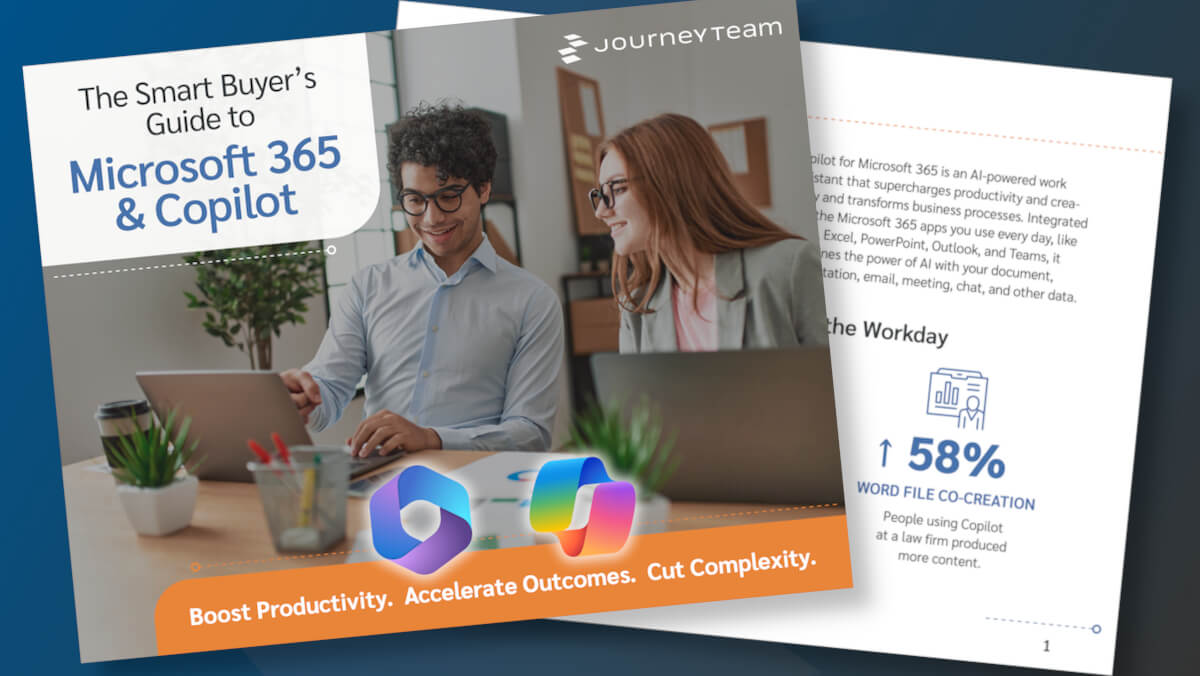
If you’re exploring how Microsoft 365 and Copilot can support your organization, JourneyTeam has created a good place to start. Our new eBook explains how Microsoft’s AI-powered tool Copilot is being used to significantly reduce manual work, streamline communication, and help teams spend more time where it matters.
You’ll find clear examples of how Copilot works across Word, Excel, Outlook, PowerPoint, and Teams, along with data on time savings and productivity gains. The guide also outlines how Microsoft 365 can consolidate tools, lower licensing costs, and strengthen security without adding complexity.
For teams that want to go further with custom workflows, the guide introduces Copilot Studio— Microsoft’s tool for creating custom AI agents that automate internal processes like reporting, onboarding, or case management. We’ve also included real-world examples from companies that have already put these tools to work.
Download the eBook to understand what Microsoft 365 and Copilot can do, what’s required to get started, and how to approach adoption in a way that fits your team’s goals. We’d love to start a conversation, so reach out.
Get Access Now
Submit the form below to get instant access to the eBook