Migrate from Dynamics NAV to Dynamics 365 Business Central with Confidence
Move from Microsoft Dynamics NAV to Microsoft Dynamics 365 Business Central with a migration plan that protects the processes your business depends on while cleaning up outdated customizations, reports, integrations, and workarounds. JourneyTeam helps you decide what should move, what should be rebuilt, and where Business Central, Power BI, Power Platform, Microsoft 365, and Copilot can create a more connected ERP foundation.

Why Companies Are Moving to Dynamics 365 Business Central Now
Operational complexity
Complex NAV workflows can become harder to manage as manufacturing, warehousing, inventory, job costing, logistics, and industry needs evolve.
Heavy customizations
Years of development may reflect business value, but they can also make upgrades expensive, risky, or difficult to maintain.
Upgrade-blocking technical debt:
Old custom code, unsupported add-ons, custom reports, and hard-coded business rules can limit flexibility and future improvements.
Reporting delays
Teams may need exports, spreadsheets, or outside systems to understand inventory, production, job costs, financials, or fulfillment activity.
Disconnected processes
Workflows built around email, spreadsheets, and side systems make it harder to keep finance and operations aligned.
Future-readiness concerns
Business Central provides a stronger foundation for Microsoft 365, Power BI, Power Platform, Copilot, and automation.
Real Results From a Dynamics NAV to Dynamics 365 Business Central Migration
How JourneyTeam Helped Casper’s Ice Cream Turn a Legacy Microsoft Dynamics NAV to Microsoft Dynamics 365 Business Central Migration into a Foundation for Growth
See how a growing food manufacturer improved real-time visibility, reduced manual order updates, strengthened fulfillment accuracy, and created a scalable ERP foundation.
Dynamics NAV vs Dynamics 365
Business Central
Upgrading from Dynamics NAV to Dynamics 365 Business Central helps modernize reporting, streamline operations, and position your business for future growth.
 Microsoft Dynamics NAV Microsoft Dynamics NAV |
 Microsoft Dynamics 365 Business Central Microsoft Dynamics 365 Business Central |
|---|---|
| On-premises ERP Requires company-managed servers, infrastructure, updates, and ongoing maintenance. | Cloud-based ERP Managed and updated by Microsoft. |
| Periodic upgrades Require planning and infrastructure resources. | Continuous updates Delivers new features, security enhancements, and platform improvements. |
| Developer-dependent customizations Often require developer involvement and ongoing maintenance. | Extension-based architecture Simplifies upgrades and reduces customization risk. |
| Export-based reporting Frequently relies on Excel exports and custom reporting tools. | Built-in reporting and dashboards Provides Power BI integration and real-time visibility. |
| Disconnected data and processes May be spread across multiple systems. | Connected business processes Unifies finance, sales, inventory, purchasing, and operations. |
| Limited remote and mobile access Requires additional infrastructure. | Secure access from anywhere Available through browser and mobile applications. |
| Complex integrations Can be costly to maintain. | Native Microsoft integration Connects with Microsoft 365, Power Platform, Copilot, and other Microsoft services. |
| Manual workflows and approvals Manual processes are common. | Automated workflows Supports approvals, notifications, and business process automation. |
| Third-party AI requirements AI capabilities require external tools or custom development. | Embedded Microsoft Copilot Assists with content creation, data analysis, and productivity. |
| Legacy platform strategy May limit future innovation opportunities. | Microsoft’s strategic ERP platform Receives ongoing cloud, AI, security, and functionality investments. |
What Can Move From Dynamics NAV to Business Central?

JourneyTeam helps identify what should be migrated, what should be archived, and where Business Central can replace legacy customizations and manual processes.
Commonly migrated
- Chart of accounts
- Customers and vendors
- Items and inventory
- Open transactions
- Historical financial data
- Security roles
- Reports and key integrations
Often rebuilt
- Legacy customizations
- Modified NAV objects
- Third-party add-ons
- Outdated reports
- Manual workflows
- Obsolete or duplicate data
- Unsupported integrations
JourneyTeam’s Microsoft Dynamics NAV to
Business Central Migration Approach

Assess Current NAV Environment
Document how you use NAV today to run your organization, as well as integration points, customizations, and user workflows.

Separate Process Value From Technical Debt
Identify which customizations support competitive advantage and which only exist because of old limitations or workarounds.

Decide What Should Move, Retire, or be Rebuilt
Review data, reports, add-ons, custom code, and business processes before carrying anything into Business Central.

Define the Right Migration Path
Choose a guided or tailored approach based on complexity, timeline, budget, internal capacity, user adoption needs, and operational risk.

Redesign Where Needed
Avoid recreating unnecessary technical debt. Preserve the processes that matter while rebuilding them in a more maintainable Business Central architecture.

Validate Workflows Before Go-live
Test daily operational scenarios, rebuild reporting, validate data, train users, and confirm that Business Central supports how teams actually work.

Support Adoption After Launch
Help users adjust to Business Central, refine workflows, answer questions, and continue improving the system after go-live.
Why Work With JourneyTeam?
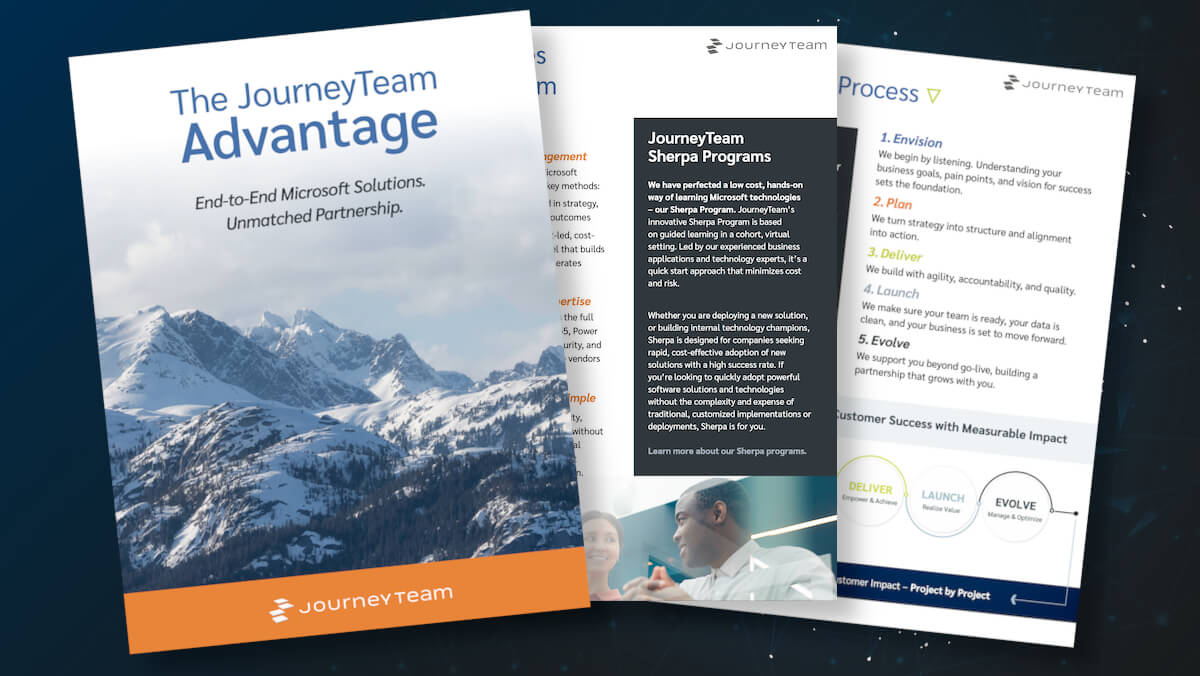
Moving from Dynamics NAV to Business Central takes a partner that understands both legacy ERP complexity and modern Microsoft cloud architecture.
With JourneyTeam you get:
- 30+ years of ERP experience
- Microsoft Business Central Partner of the Year recognition
- Experience with complex NAV, manufacturing, warehousing, inventory, project-based, and industry-specific environments
- Certified Business Central consultants and Microsoft cloud specialists
- Guided, fixed-fee, and tailored implementation paths
- Expertise across Business Central, Microsoft 365, Power BI, Power Platform, Copilot, data, security, and AI
How One Business Rebuilt Critical NAV Functionality in the Business Central Cloud
See how JourneyTeam helped The Trade Group rethink its ERP strategy and rebuild critical functionality in Business Central, while creating a scalable platform that is easy to manage and update.

Start With a NAV Migration
Readiness Review
Not sure if it’s time to move off Dynamics NAV? A Dynamics ERP expert can assess your current system, discuss your goals, and help you understand your migration options before you commit to a project.
FAQs About Dynamics NAV Migration
Timeline depends on complexity. A straightforward financial migration may move faster through a guided approach, while a heavily customized Dynamics NAV environment with manufacturing, warehousing, inventory, job costing, integrations, custom reporting, or specialized workflows will require more discovery, testing, redesign, and change management.
Some customizations may still be valuable, but they should be reviewed carefully before migration. The goal is not to copy every customization into Business Central. The better approach is to identify which processes truly need to be preserved, retire what no longer adds value, and rebuild important workflows in a cleaner, more maintainable way.
Business Central is the modern cloud ERP platform that evolved from Dynamics NAV, which many long-time users still associate with Navision. That means many concepts may feel familiar, but the migration is still an opportunity to modernize architecture, reporting, integrations, automation, and the custom workflows that have built up over time.
Yes. Many companies use older naming variations such as MS Dynamics NAV, Microsoft Dynamics NAV Navision, or Navision Dynamics NAV when referring to legacy NAV environments. Regardless of the name, the migration focus is the same: evaluate the current system, protect critical workflows, and move to Business Central with a clean long-term strategy.
Yes. JourneyTeam can help assess Dynamics NAV support needs, review integrations, identify urgent risks, and clarify the best path from Dynamics NAV to Business Central before a full migration project begins.
Common migration areas include customers, vendors, items, chart of accounts, dimensions, balances, inventory information, open transactions, historical data, Microsoft Dynamics NAV integration requirements, and key operational records. The final scope depends on data quality, reporting requirements, compliance needs, and how much history your team wants available in Business Central.
Often, yes. The Trade Group is a strong example of a business that moved from a heavily customized Dynamics NAV environment to Business Central while preserving operational fit. The key is designing a migration strategy that reduces technical debt without disrupting the workflows the business depends on.
Usually, yes. But that is often where the value comes from. Many Dynamics NAV migrations are an opportunity to simplify outdated workflows, improve reporting, reduce manual work, modernize integrations, reduce technical debt, and create a stronger foundation for automation and AI.