Replace QuickBooks with Business Management Software Built for Growth
If your team is outgrowing QuickBooks, Microsoft Dynamics 365 Business Central gives you a connected ERP foundation for finance, operations, reporting, and Microsoft cloud tools without jumping straight into a long, six-figure implementation.

QuickBooks Costs More Than You Think
QuickBooks is very expensive if you factor in the workarounds and manual work filling the gaps around it.
Time-Consuming Manual Reporting
Leadership questions require hours of spreadsheet work, data exports, and manual report preparation.
Spreadsheet Mayhem
Managing multiple entities in separate spreadsheets makes financial consolidation slow, difficult, and prone to errors.
Limited Inventory Visibility
Tracking inventory outside QuickBooks creates data gaps and makes it harder to understand stock levels, costs, and availability.
Rising Software and Staffing Costs
Additional software and headcount may be needed to fill QuickBooks gaps, maintain reports, and keep up with growing manual workloads.
Delayed Month-End Close
Manual processes and disconnected data extend the month-end close, delaying access to timely performance insights.
Inconsistent and Unreliable Data
Duplicate data entry and disconnected reports lead different teams to trust different numbers, increasing errors and slowing decisions.
Move From Accounting Software to a Connected ERP
Replacing QuickBooks with a modern ERP gives growing companies a connected foundation for finance, operations, reporting, and Microsoft cloud tools. Business Central supports stronger controls, clearer visibility, and more scalable processes than an accounting-only system.
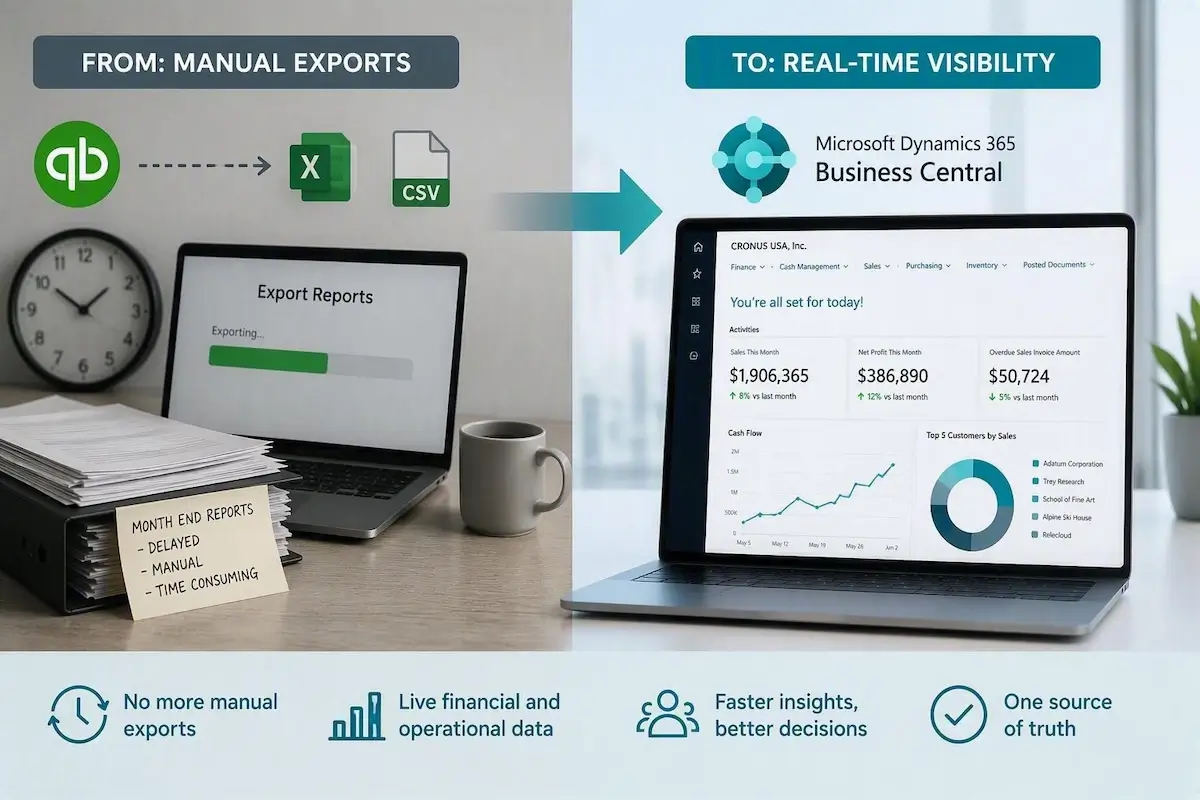
Replace delayed reports with current financial and operational data your team can use sooner.
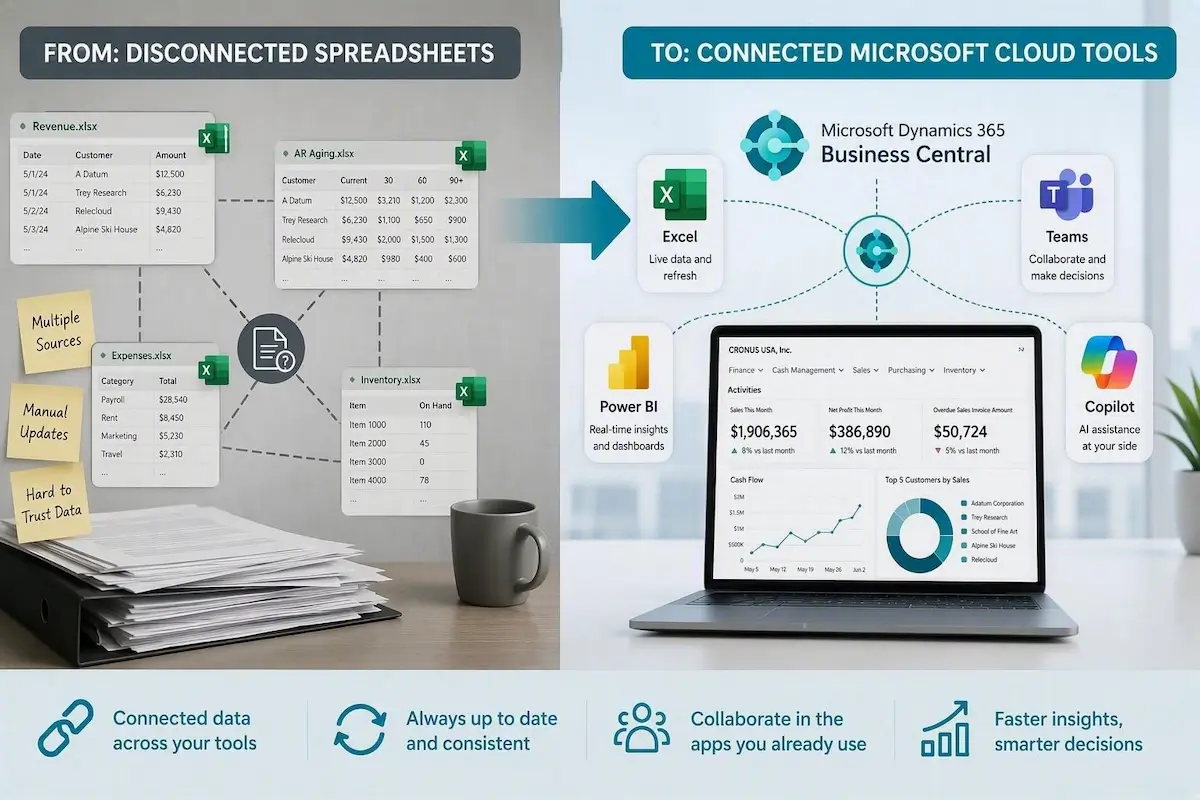
Bring finance work closer to Excel, Teams, Power BI, and Copilot instead of managing data across separate systems.

Connect financials with inventory, purchasing, approvals, cash flow forecasting, fixed assets, and multi-entity accounting.

Give the business a system that can support growth, stronger controls, automation, and better reporting over time.
See What Changes When You Move Beyond QuickBooks
QuickBooks can support basic accounting, but growing companies often add spreadsheets, reporting tools, and manual processes as their needs become more complex. Business Central replaces these workarounds with a connected ERP foundation for finance, operations, reporting, and growth.
 Quickbooks Quickbooks |
 Microsoft Dynamics 365 Business Central Microsoft Dynamics 365 Business Central |
|---|---|
| Basic accounting software Supports core bookkeeping and financial management needs. | Connected cloud-based ERP Brings finance, reporting, purchasing, inventory, and operations into one platform. |
| Manual reporting exports Reports may need to be exported and rebuilt in spreadsheets. | Real-time reporting and visibility Connects financial and operational data for faster access to current insights. |
| Spreadsheet-based consolidation Multiple entities or locations are often combined through manual workbooks. | Connected multi-entity management Supports consolidated reporting across companies, divisions, and locations. |
| Separate inventory and purchasing tools Operational activity may be managed outside the accounting system. | Integrated inventory and purchasing Connects purchasing, inventory, and financial activity in one system. |
| Disconnected approvals and workflows Approvals may be tracked through email, spreadsheets, or separate applications. | Structured workflows and controls Creates more consistent approval processes and stronger financial controls. |
| Limited connectivity Additional tools or integrations may be needed to connect business data. | Connected Microsoft cloud tools Works with Microsoft 365, Excel, Teams, Power BI, and Copilot. |
What Changes When AI Is Built into Your ERP?
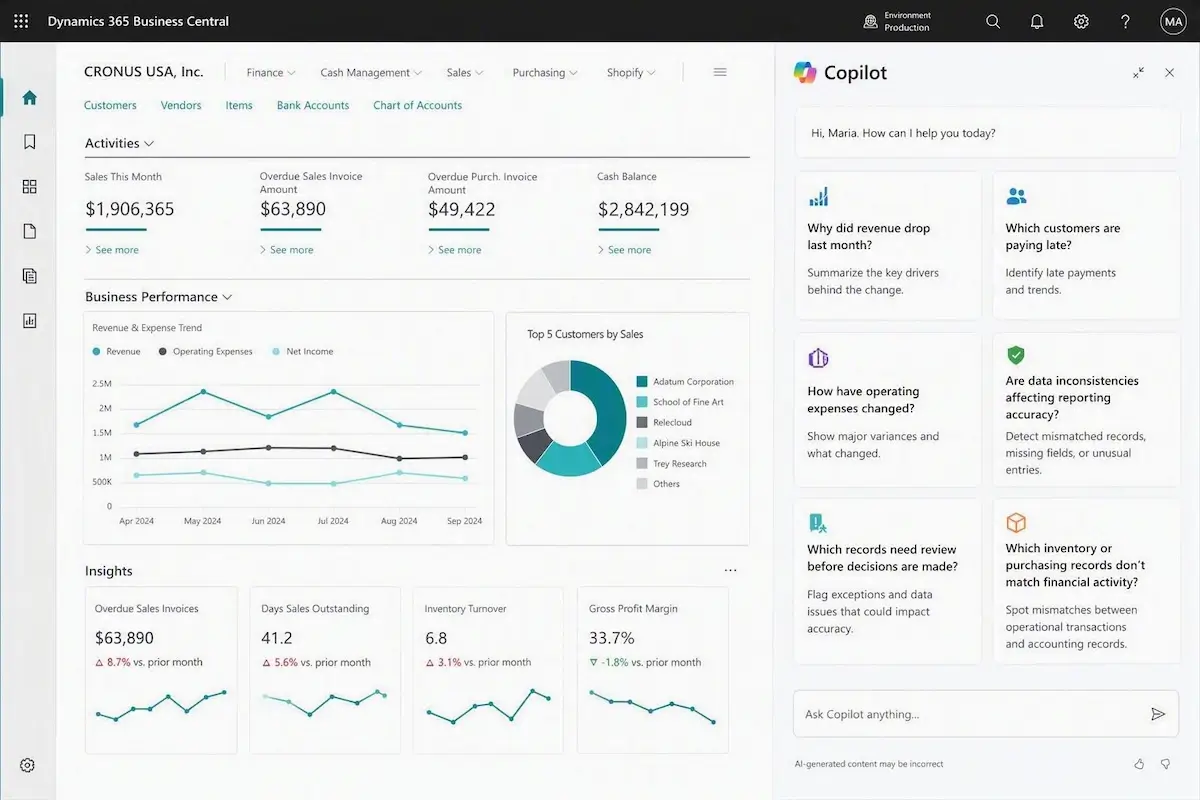
When data lives in a connected ERP, AI has better context to help finance and operations teams understand what changed, where to look, and what needs attention. In Business Central, Copilot can help surface insights without forcing teams to dig through disconnected reports first.
Business Central Doesn’t Just Store Data.
It Helps Teams Understand It.
- Why did revenue drop last month?
Copilot summarizes the major drivers. - Which customers are paying late?
Copilot identifies trends and risks. - How have operating expenses changed?
Copilot highlights the largest variances. - Are data inconsistencies affecting reporting accuracy?
Copilot helps surface mismatched records, missing fields, or unusual entries. - Which records need review before decisions are made?
Copilot flags exceptions, so incomplete or inaccurate data doesn’t drive decisions. - Which inventory or purchasing records don’t match financial activity?
Copilot can spot mismatches between operational transactions and accounting records.
Built for the Microsoft Tools Your Team
Already Uses
Business Central connects naturally with Microsoft 365, Excel, Teams, Power BI, and Copilot. For finance and operations teams, that means fewer disconnected tools, less duplicate data entry, and a stronger foundation for real-time visibility, AI-assisted insights, cash flow forecasting, and trend analysis.



How the Transition from Quickbooks to
Business Central Works
Moving from QuickBooks to an ERP does not have to mean starting from scratch. JourneyTeam’s Sherpa Program gives qualified companies a structured QuickBooks to Business Central migration path, focused first on core financial management and the foundation needed to expand over time.

Confirm Requirements
Identify the financial, reporting, entity, inventory, and operational needs Business Central should support first.

Configure Business Central Financials
Set up the core financial structure needed for a practical launch.

Support Data Migration
Move the appropriate QuickBooks data into the new Business Central environment based on confirmed scope.

Train Users Through Guided Workshops
Help the team learn the system as implementation work progresses.

Go Live with Core Financial Management
Launch with the financial foundation your team needs to operate in
Business Central.

Expand Capabilities over Time
Add more Business Central functionality as the business is ready.
Business Central Sherpa: A Faster Path
Beyond QuickBooks
Starts at $23,500 | Go-live in ~6-8 weeks* | 12 mos. of support included
*core financials only
Our Sherpa program for Business Central is a fixed-price, guided cohort implementation program designed for growing companies that have outgrown QuickBooks and want to move to Microsoft Dynamics 365 Business Central without the cost, complexity, or timeline of a traditional ERP project.
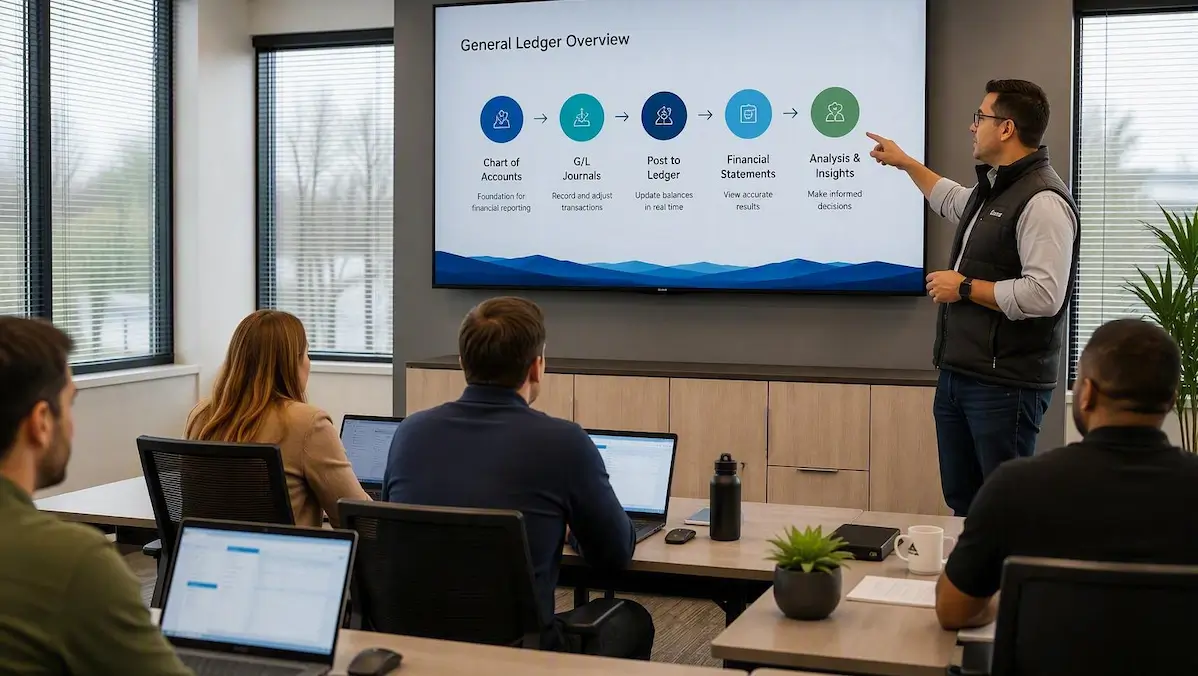
Sherpa is an ideal fit for companies that:
- Operate multiple companies, divisions, or locations
- Need better financial reporting and visibility
- Have outgrown QuickBooks for inventory or purchasing management
- Spend too much time on month-end close processes
- Want stronger forecasting, controls, and approval workflows
- Are looking for a Microsoft platform that can support future AI and Copilot initiatives
For organizations with more advanced requirements such as complex industry processes, extensive customizations, large-scale integrations, warehouse management, multi-currency, intercompany accounting, or advanced workflow needs, additional services can be added or a broader implementation approach may be recommended.
Sherpa includes:
- Fixed-price implementation with a defined project scope
- Guided cohort workshops and weekly office hours to keep your team moving forward
- Configuration and setup of core financial processes
- Training resources including videos and implementation materials
- 12 months of post-launch support, including 20 hours of break/fix assistance
QuickBooks to Business Central Migration Success Story

We started simple with Business Central, but I know it can grow with us. As we expand our manufacturing into more complex processes, our ERP will scale with our business. Even months after go-live, I can ping JourneyTeam and always get a quick, helpful response.
Robin Mauldin Controller, MaxxForce Industrial Tooling
Ready to Move Beyond QuickBooks?
If your team is ready to stop managing around QuickBooks limitations, the next step is to speak with one of our experts to better understand your situation. For many organizations, we recommend our Sherpa for Business Central program which is a fixed fee, rapid implementation approach to get you up and running quickly without spending a fortune.
QuickBooks Migration FAQs
QuickBooks is typically used for basic accounting, while Business Central is a cloud ERP system that connects financials, reporting, purchasing, inventory, approvals, and broader business processes in one Microsoft platform.
Yes. Business Central can be a strong QuickBooks replacement for companies that need better reporting, stronger controls, multi-entity accounting, inventory visibility, workflow approvals, and room to grow.
Yes, for companies that need more than basic accounting. Business Central can replace QuickBooks Desktop when the business needs stronger reporting, user controls, multi-entity accounting, workflow approvals, and room to expand.
Yes. For organizations outgrowing QuickBooks, Business Central provides a broader Microsoft ERP foundation for finance, operations, reporting, approvals, inventory, and analytics.
QuickBooks is usually focused on accounting. Business Central supports accounting plus broader ERP capabilities, including purchasing, inventory, reporting, approvals, forecasting, fixed assets, multi-entity management, and Microsoft cloud integrations.
Yes. With confirmed scope, data migration is a common part of a Business Central project.
No. Sherpa is designed to guide your team through the process with expert-led workshops, training, and support.
Sherpa is especially useful for companies moving beyond QuickBooks, but the fit depends on your current system, business needs, complexity, and readiness for a guided Business Central implementation.