Organizations migrating to modern ERP systems like Microsoft Dynamics 365 Business Central often focus heavily on functionality, licensing, and user adoption. But a critical piece is sometimes overlooked: What do we do with decades of legacy data?
Historical data holds valuable insight for audits, regulatory compliance, reporting, and AI-assisted forecasting. So it needs to be done smartly to ensure that information isn’t lost, but rather stored, secured, and accessible if and when you need it.
In this blog, JourneyTeam experts share the real-world challenges and best practices for building a practical data archive strategy for an ERP migration. The insight here is invaluable, whether you’re considering a future migration, or are just struggling to get access to your legacy data in a format you can use.
Real-World Use Cases: When Archived Data Matters
ERP migration projects often begin with a misconception: move everything or nothing at all. But data migration isn’t binary. “Sometimes the perception is, we’ll just leave the old ERP data, but business users still need access for things like year-over-year reporting for budgeting, KPI tracking and customer histories,” said Jason Fife, JourneyTeam’s Azure Data Engineering Manager.
Even if you don’t access historical data every day, there are plenty of scenarios where it plays a critical role:
- Regulatory audits: In healthcare or finance, not having quick access to archived records can mean fines or failed audits.
- Financial planning: Long-term trends matter. CFOs want to compare five-year margins, not just last quarter’s numbers.
- Sales forecasting: Data from previous product launches or seasonal cycles helps teams plan inventory and marketing.
And often, for customer insights, disconnected CRM records can make answering basic client questions difficult if archived quotes, support cases, and project notes are trapped in PDFs or personal drives. As Ben Miller, JourneyTeam’s CRM Practice Director, explained: “You don’t want to have to dig through old estimates just to answer a single client question. It’s important to know where things are stored. That’s where smart archiving pays off.”
What Happens If You Don’t Archive Properly?
The risks of poor archival planning go beyond unretrievable records and lost productivity. Failing to treat legacy data as a strategic asset with a solid strategy and plan, can create ongoing operational, financial, and compliance headaches. Here’s what can happen:
Costly, Bloated ERP Databases
If you push all your historical data into the new system without deciding what truly needs to be there, versus what can be archived, it bloats the ERP database, impacting performance and driving up storage and licensing costs. It can also delay go-live due to slower testing and validation cycles that increase implementation services fees.
Exposure to Compliance Failures
Industries like healthcare, manufacturing, and financial services have strict data retention rules. Without a centralized archive policy, files might live in unsecured email threads or personal drives. Auditors often need fast access to specific records. If you can’t locate them quickly or show how they’re secured, you’re at risk—even if the data technically exists somewhere.
Unproductive, Frustrated Users
Day-to-day users (especially in finance, operations, and customer service) often rely on historical records to answer inquiries or reconcile discrepancies. If those records are hidden in disconnected archives or unavailable entirely, staff may waste hours chasing down missing documents, emailing colleagues for help, or digging through outdated folders. It introduces the potential for a substantial productivity problem and slower customer service.
Missed AI Insights From Fragmented Data
AI tools like Microsoft Copilot depend on access to clean, structured, and connected data. If legacy information is stored as PDFs in a file share or siloed in an unsupported format, AI models can’t pull it into reports, forecasts, or use it to answer a prompt or natural language query. Companies also lose out on automation and forecasting benefits when your data is scattered or stored in ways AI can’t interpret.
Key Questions to Build a Smart Archival Strategy
So what is a smart archival strategy? It needs to be collaborative. All departments should work together to define what data gets migrated, what gets archived, and what can be safely disposed of.
Each group brings a different lens: IT understands system performance; finance and compliance ensure retention rules are met; legal knows what must be preserved for liability, and business units know what they need for day-to-day operations.
Start by asking the right questions:
- What types of data are being stored—files, databases, documents, images?
- What are the compliance, legal, and operational retention requirements?
- Do you have a destruction policy and timeline?
- How often is the data accessed? What retrieval speed is needed?
- What security and access controls must be in place?
Once you have those answers, determine which data should be migrated and which should be archived or left behind.
- Exclude outdated or irrelevant records like years-old quotes, inactive customer accounts, or closed purchase orders that no longer need to live in the live system.
- Separate operationally critical data from historical reference data (needed only occasionally for reporting or audit).
- Apply time-based cutoff rules such as: “Only migrate transactions from the past 3 years, and archive anything older.”
- Cleanse or transform data: removing duplicates, correcting errors, or standardizing formats before it’s migrated.
Where and How Should you Store Archived Data?
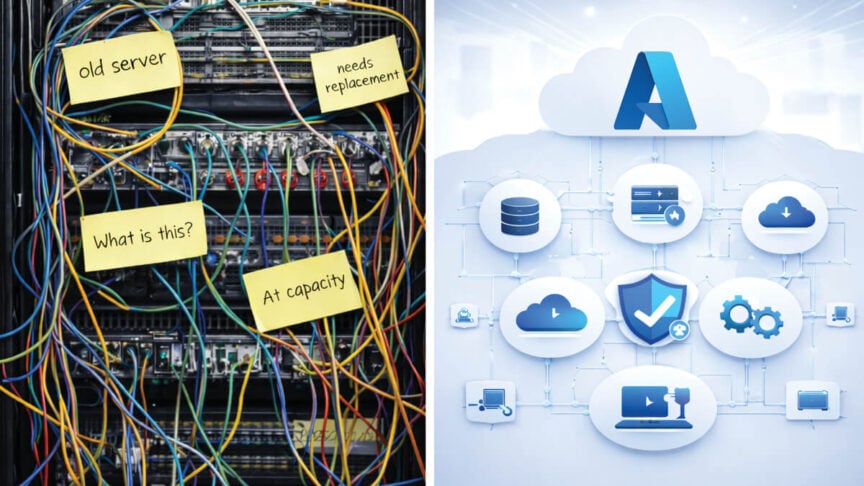
Bringing all historical data into a new ERP is rarely feasible. Legacy data often exists in outdated formats, lacks metadata, or is incomplete.
Storage costs vary significantly depending on how and where the data is housed:
| Storage Option | Monthly Cost per GB | Typical Retrieval Time | Best Use Case | Access Method (Microsoft Ecosystem) |
|---|---|---|---|---|
| Azure Blob Archive Tier | Low | Hours (*rehydration required) | Long-term archival of rarely accessed historical data | Azure Storage |
| Azure Blob Cool Tier | Low | Minutes | Occasionally accessed reports or compliance files | Power BI, Azure Data Factory |
| Azure Blob Hot Tier | Medium | Instant | Active app-level backups or file processing | Azure Functions, Logic Apps |
| Dataverse DB Storage | Costly | Instant | Live relational data for ERP/CRM apps like Dynamics 365 | Dynamics 365, Power Apps |
| Dataverse File Storage | High | Instant | Attachments or documents linked to Dataverse entities | Power Platform, APIs |
| SharePoint Document Library | Low | Instant | Documents, collaboration files, shared reports | Teams, OneDrive, Power Automate |
| Azure Data Lake (Gen2) | Low | Minutes | Analytics-ready storage for structured/unstructured data | Power BI, Azure Data Factory, Notebooks |
| Azure Cosmos DB (for JSON archival) | Low | Minutes | Low-cost storage for JSON or legacy structured data | Power Apps, Custom Apps |
*Rehydration is the process of restoring data from the Azure Archive tier to an online-accessible tier (Hot or Cool). It’s required before data in the Archive tier can be read or queried, and incurs costs based on the volume of data restored.
It’s important to remember that the real cost of keeping everything isn’t just in dollars—it’s in lost productivity and delayed decisions.
Igor Zhdanov, JourneyTeam BI Practice Director
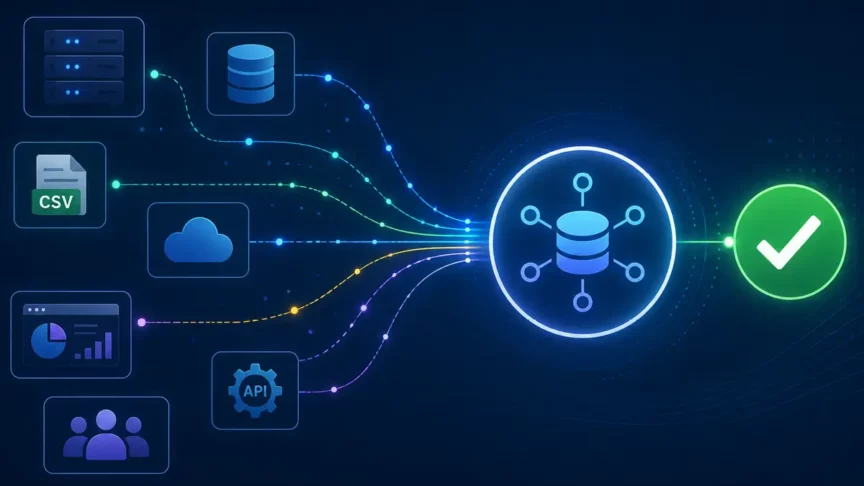
Once you have a storage strategy in place, Microsoft tools for data retrieval are making it more flexible and cost-effective to access archived data in a useful format. Companies don’t need a big architecture anymore. Microsoft Fabric connects directly and securely to archived data, Zhdanov said.
Fabric is Microsoft’s unified data platform that combines Azure Data Factory, Azure Synapse Analytics, and Power BI for data collection, transformation, analysis and visualization. Companies no longer have to juggle disparate systems or spend extra resources maintaining traditional, siloed data pipelines. Microsoft Fabric, where data is stored in One Lake, make it easier to blend live and archived data without costly duplication. And better yet, it supports AI-driven forecasting for improved and timely decision-making.
Work with JourneyTeam to Archive with Intention
At JourneyTeam, we advise our customers not to let archival be an afterthought. When we’re working with customers on a migration or data modernization plan, we include a solid review and strategy for archiving data. It’s built on intent by understanding what teams need, how fast they need it, and what insights they expect to make the best decisions.
Reach out to us today. We’d love to hear from you and begin discussing how to make the most cost-effective use of your current and historical data. Legacy data doesn’t have to live in the past. With the right tools and planning, it becomes part of your ongoing growth and ability to stay competitive.