Why JourneyTeam for Contact Center (CCaaS)
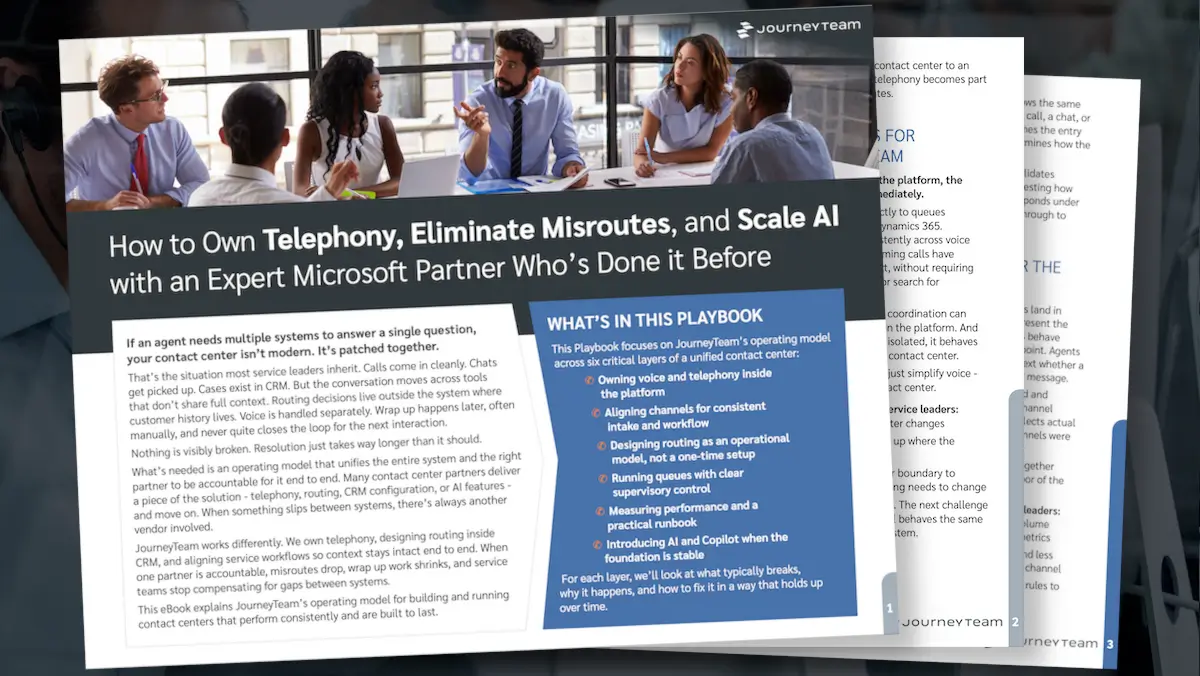
Own Telephony. Eliminate Misroutes. Build a Contact Center Ready for AI.
Most contact centers don’t need more disconnected tools. They need voice, routing, channels, queues, reporting, and AI working inside one operating model.
Download the playbook to see how JourneyTeam helps organizations modernize Microsoft Dynamics 365 Contact Center with telephony ownership, practical routing design, supervisor-ready queue operations, and a realistic path to Copilot and AI automation.
You’ll learn how to move from a patched-together service environment to a unified contact center that gives agents full context, gives supervisors clearer control, and gives leaders a stronger foundation for AI.
Inside the playbook, you’ll see how to:
- Bring voice and telephony into the contact center platform
- Align voice, chat, email, SMS, and messaging to one intake model
- Design routing around work types, skills, priorities, and service commitments
- Set up queues so supervisors can manage flow instead of firefighting
- Define KPIs, thresholds, and a practical runbook for daily decisions
- Introduce Copilot and AI only when the foundation is ready
Ready to get out of reactive mode?
Start by understanding where friction is coming from: voice, routing, queues, reporting, AI readiness—or all of the above.
JourneyTeam can help you identify what’s creating friction and what to fix first, with a recommended architecture, practical improvement roadmap, and business case for next steps.
Get Access Now
Submit the form below to get instant access to the eBook