
If you’re a small or medium-sized business that is still relying on spreadsheets, sticky notes, or scattered email threads to track leads and customer interactions, you’re not alone—but you’re also likely to lose opportunities without even realizing it.
Lost opportunities mean lost revenue, and a clear indication that it’s time to look for a modern Customer Relationship Management (CRM) system to ensure that potential customers aren’t falling through the cracks and to ensure you have the insights you need to make every customer interaction meaningful.
But not all CRMs are equal, and choosing the right one can make all the difference. Microsoft Dynamics 365 CRM is designed to help companies like yours improve efficiency, boost revenue, and build stronger customer relationships—all while integrating seamlessly with the Microsoft tools you already use. Let’s look at how implementing a CRM like Dynamics 365 can help you work smarter, not harder.
How Do You Know You Need a CRM?
Small companies without a digital CRM typically rely on manual processes and disconnected tools to manage customer relationships, sales, and marketing. While this may work in the short term, it often leads to inefficiencies, missed opportunities, and difficulty scaling operations. Here’s some red flags that indicate you should consider a CRM:
- Spreadsheets & Manual Data Entry – You’re storing customer information in Excel, Google Sheets, or even on paper. Even with a small customer base, it quickly becomes difficult to manage and increases the risk of errors and outdated information.
- Email & Calendar Reminders – Sales reps are tracking follow-ups through email inboxes or personal calendars. If data isn’t centralized, leads get overlooked and you can’t share insights across the team.
- Scattered Customer Communications – Customer conversations are happening on multiple channels (email, phone, social media), without any unified record of these interactions. Service is inconsistent and frustrating for both employees and customers.
- Lack of Sales & Marketing Alignment – Marketing teams are using separate email marketing tools or social media platforms and aren’t integrating those with your sales teams. It’s difficult to track which campaigns are generating leads or revenue.
- Customer Support Gaps – Support requests are being handled on an ad hoc basis, and you don’t have a solution to monitor resolution times or recurring issues. How many times have we had to repeat the same problem multiple times because support teams don’t have access to prior interactions?
- Limited Business Insights – You’re making important decisions based on gut, because you don’t have a solution for tracking key metrics like conversion rates, customer retention, or sales performance.
CRM 101: What It Is & Why It’s Essential for Business Growth
A modern CRM is a shared space where sales, marketing, and support teams work together, eliminating inefficiencies and ensuring a better customer experience. It centralizes all customer data, making it easy to track interactions, nurture leads, and provide timely, personalized service. Instead of relying on scattered notes or spreadsheets, businesses can access critical information in one place.
Beyond organization, a CRM automates workflows, reducing manual tasks that slow down productivity. It can send follow-up reminders, assign leads to sales reps, and personalize marketing campaigns based on customer behavior. By improving efficiency and ensuring that no opportunity is overlooked, businesses can boost revenue while providing a smoother experience for employees and customers alike.
53%Of SMBs are prioritizing efforts to adopt modern business applications 1 | 38%Of SMBs are behind in adopting technology that increases resiliency, agility & efficiency 2 | 31%Of small or medium business leaders are most interested in enhancing employee productivity with AI 3 |
2. Microsoft SMB Voice and Attitudes to Technology Study, July 2022
3. 2023 Work Trend Index Annual Report
For small and medium-sized businesses, a CRM helps level the playing field against larger competitors. It enables smaller organizations to build strong customer relationships, execute data-driven marketing strategies, and provide high-quality service without needing a massive team. With a powerful CRM like Microsoft Dynamics 365, even small businesses can operate with the efficiency of much larger enterprises.
The Smart Buyer’s Guide to Microsoft Dynamics 365
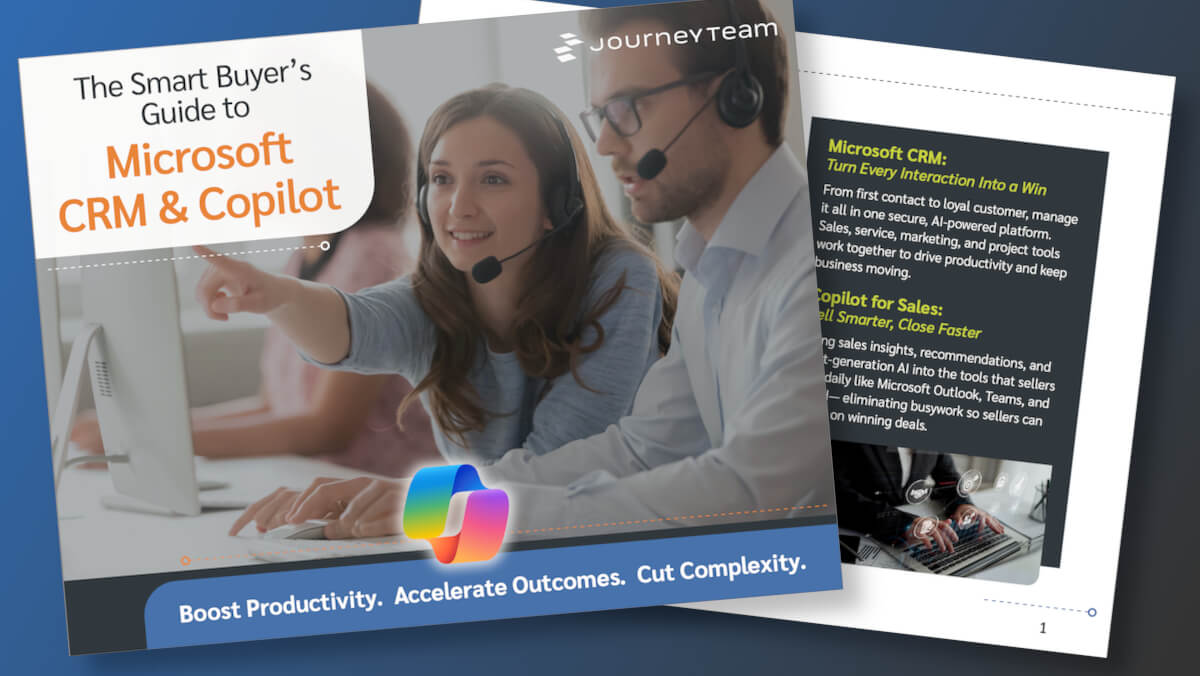
Choosing the right CRM isn’t just a technology decision—it shapes how your entire business connects with customers, manages relationships, and closes deals. Get a clear, practical look at Microsoft Dynamics 365 CRM, its built-in Copilot features, and how they simplify work across sales, marketing, customer service, and field operations.
Why Choose Microsoft Dynamics 365 CRM?
Microsoft Dynamics 365 CRM is designed to grow with your business, whether you’re just starting out or scaling up. You can start with the essentials, then add more advanced features as your business grows. That way, you’re always using the right tools without overcomplicating things too soon.
It works seamlessly with the Microsoft tools you already use—Outlook, Teams, Excel, and more. No need to jump between different platforms or manually update customer information, it makes work smoother and more efficient.
Dynamics 365 CRM is cloud-based, it can be accessed from anywhere. Whether you’re in the office, working remotely, or on the go, you’ll always have the latest customer data— everything you need is right there, whenever you need it.
With built-in AI-powered insights from Copilot you’ll have the information you need to make better informed decisions using data, as well as deliver more personalized experiences across the entire customer journey.
Turning CRM Momentum into ERP Transformation

How JourneyTeam customer Smarter Furnishings’ CRM implementation expanded into a broad ERP transformation, resulting in a connected operating model and a stronger foundation for growth.
Flexible Pricing
With adaptable pricing, you can choose only the features you need, to help control costs while still benefiting from a powerful CRM system. Dynamics 365 CRM operates on a modular pricing model, meaning you can pick and pay for separate applications like Sales, Customer Service, or Marketing. That way you’re not paying for tools that don’t apply to your business.
Additionally, Dynamics 365 offers tiered pricing based on user roles. Because not every team member needs full access to every function, you can purchase different types of user licenses. For example, full users (such as sales reps or service agents) who actively engage with customers may require comprehensive access, while team members or administrative users can have a lower-cost license with limited functionality.
Reach Out Today
Microsoft Dynamics 365 CRM is a powerful, but flexible solution to address your CRM challenges head-on. At JourneyTeam, we can work with you to develop a clear, actionable strategy for an AI-powered CRM transformation with Microsoft Dynamics 365. Read more about how we can help.
If you’re trying to meet customers’ demands, it’s time to find a solution that allows you to create highly personalized views of your customer data in a single solution for marketing, sales, and customer service teams.
Contact JourneyTeam
We’ll find the right solution for you.