Your Dynamics 365 Business Central Partner for Smarter ERP
As a tenured Microsoft Dynamics 365 Business Central implementation partner, JourneyTeam helps you replace spreadsheets and disconnected systems with a modern ERP – supported for the long run.

Business Central Challenges the
Right Partner Solves
When growth exposes the cracks, it’s time to move on.
Rising ERP Implementation Costs
Unclear scope, drawn-out timelines, and rework can quickly drive up Business Central implementation costs.
Limited Reporting & Business Insight
Without the right setup, ERP data is difficult to trust, report on, or use for forecasting and decision-making.
Manual Processes & Spreadsheet Reliance
Spreadsheet-heavy processes lead to errors, version control issues, and wasted time across all areas.
Disconnected Finance & Operations
When finance and operations live in separate systems, teams lose visibility, efficiency, and confidence in the numbers.
ERP System That Can’t Scale with Growth
As organizations grow, legacy ERPs struggle to support new entities, users, locations, and operational complexity.
Lack of Ongoing Business Central Support Services
Many organizations are left without reliable Dynamics 365 Business Central support services to optimize, adapt, and improve after go-live.
See Business Central Modernization In Action
Microsoft Dynamics 365 Business Central Features & Capabilities
JourneyTeam’s Implementation process optimizes Business Central, a flexible cloud solution, capable of supporting small and medium sized organizations as well as enterprise.
- Accounting & financial management: GL, AP/AR, banking, cash flow.
- Budgeting & planning: budgets, dimensions, approvals, forecasting.
- Sales & customer management: quotes/orders, invoicing, pricing/discounts, returns.
- Purchasing & vendor management: requisitions/POs, approvals, vendor pricing, drop ship.
- Inventory & warehouse: item tracking, lot/serial tracking, bins, picks/put-aways.
- Supply chain visibility: demand planning, supply planning, reorder policies, availability promising.
- Manufacturing (Premium): BOMs, routings, MRP, capacity planning.
- Project management: jobs/projects, time & expense, project budgets, project invoicing.
- Service management: service orders, service items, service contracts, warranties.
Why Dynamics 365 Business Central is the Right ERP Choice
Business Central brings finance and operations together in a scalable ERP that supports daily work and gives leaders the insight to plan and make decisions with confidence.
Unified Finance and Operations
Connects financials with operations – inventory, supply chain, and project management – in one centralized, data system.
Familiar Microsoft Experience
Natively integrated with the tools teams use every day: Excel, Outlook, Teams, and Power BI.
Scale Without Complexity
Purposely-built to scale beyond entry-level accounting software, while remaining flexible and easy to use.
Core Business Central Partner Services
Business Central is a powerful platform, but success depends on how it’s implemented, supported, and extended over time. JourneyTeam helps you avoid common ERP pitfalls and get lasting value from your investment.
If teams don’t trust the data, they won’t use the system.
We turn Business Central into a single source of truth, so everyone sees the same numbers.
With JourneyTeam Analytics for Business Central, you can start with pre-built report packs and expand them as you grow.
Learn About Our Analytics & Reporting Services
We customize Business Central without breaking future upgrades.
We build extensions and integrations that close operational gaps, fit your processes now, and are still easy to support later.
Talk to a Business Central Expert
Getting implementation right is where most ERP projects break down.
We focus on scope discipline, real‑world processes, and user adoption, so your system truly supports how your business runs.
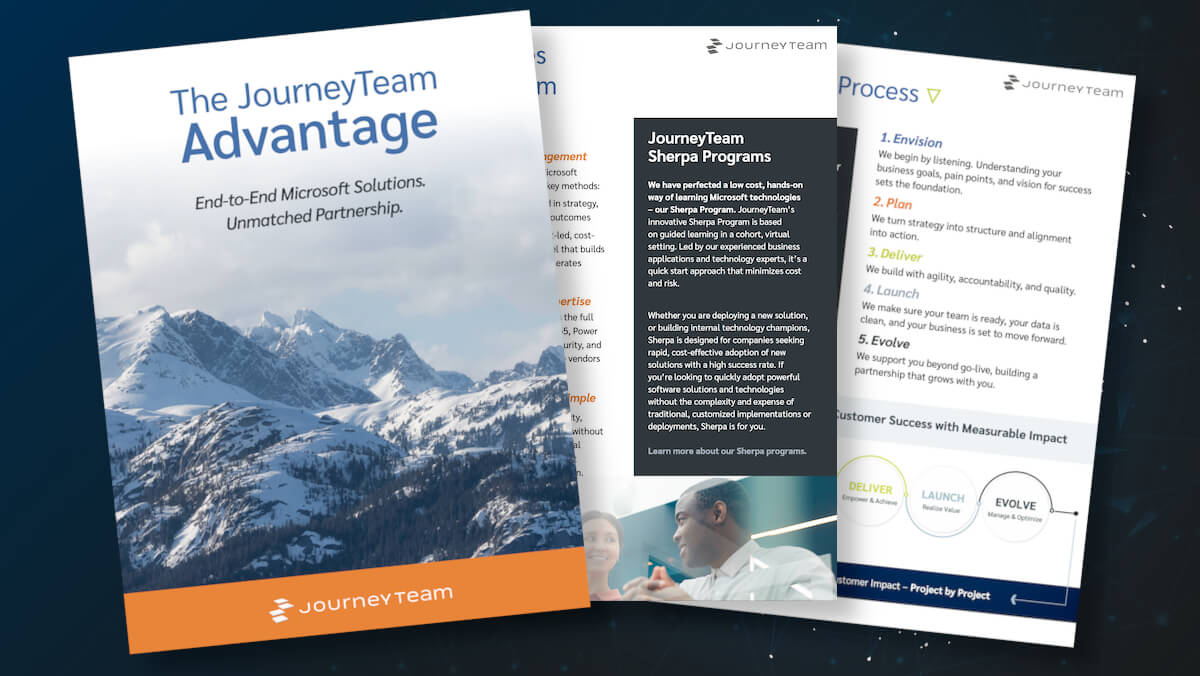
Whether you choose a tailored implementation or our accelerated Sherpa program, we guide planning, configuration, data readiness, and training to reduce risk and deliver faster time to value.
Talk to a Business Central Expert
Migrating from GP, NAV, or another ERP shouldn’t mean carrying old problems forward.
We simplify integrations, modernize reporting, and set you up for what’s next.
We provide a clear migration plan, including covering data cleanup, process redesign, testing, and change management.
Dynamics GP End of Life Migration Learn About Our Migration Services
Already invested in Business Central but not seeing the results you expected? You’re not alone.
JourneyTeam is frequently brought in when projects stall, timelines slip, or previous partners fall short.
We assess what’s working, identify what’s holding you back, and put a clear recovery plan in place, often without starting over.
Talk to a Business Central Expert
Your business doesn’t stop, and neither should your partner services.
From quick fixes to ongoing optimization, our Business Central support services help keep your system tuned to address your changing needs, without requiring a full in-house IT team.
Learn About Our Support ServicesMicrosoft Dynamics 365 Business Central Implementation Options
Rapid Sherpa (Guided) Implementation
A cohort-based implementation focused on Business Central financials.

Best for teams with an internal champion that wants to implement quickly and control costs.
- Guided workshops where you configure Business Central alongside our experts
- A defined core scope that limits risk and prevents scope creep
- An accelerated path with go live in as little as 6 weeks
- Lower, fixed cost with clear expectations
- Hands on setup and training built into every workshop
Tailored Business Central Implementation
A fully custom implementation designed around complex business needs.

Best for complex operations, regulatory needs, or advanced requirements.
- A phased project covering discovery, configuration, migration, testing, and training
- Flexible scope with phased or multi stage rollouts
- Varies based on complexity and rollout approach
- Higher investment driven by customization & complexity
- Role based training tailored to each department
JourneyTeam’s communication is great… it feels like working with friends. They listen to how we used to do it and show us how we can do it better in Business Central.
Senior Accountant Selena Wilder, The Works Café
JourneyTeam Analytics for Business Central
Most organizations can pull data from Business Central. The real challenge is trusting it, finding it fast, and using it consistently. JourneyTeam Analytics for Business Central delivers that.
- Pre-Built Report Packs
Packaged Power BI reports and dashboards based on the metrics teams rely on. - Business Ready Data Model
A clean, business ready data model that supports reliable cross-department reporting. - Scalable Without Rework
A foundation built to accommodate new data sources without rebuilding. - Governed Self Service
Consistent, secure self-service analytics without relying on IT for every request.
Watch the overview above
Why JourneyTeam for Business Central?
Choosing Business Central is an important step but long‑term success depends on the partner you choose. With JourneyTeam you get:
- 30+ years Microsoft ERP Experience
- Microsoft Partner of the Year winner
- Freedom to pick your implementation model
- AI solutions for the real world
- Stalled projects back on track
AI & Agents in Dynamics 365 Business Central
We work directly with our customers to apply AI and Copilot agents in practical, high impact ways rather than treating AI as something you “turn on.”
Start Small, Then Scale with Confidence
The most successful AI initiatives start with a single workflow – a high impact agent to validate value quickly, verify security and build confidence.
Built on Copilot, Guided by Experience
JourneyTeam works closely with Microsoft and has early access to Copilot and agent tooling to experiment, validate, and deploy AI agents that are secure and governed responsibly.
AI Adoption Without the Guesswork
We define what “good” looks like up front – measurable outcomes, human-in-the-loop guardrails, and a rollout plan your team can actually follow.
AI Solutions Grounded in Real Business Scenarios
At JourneyTeam, we have first-hand experience translating AI into tangible business outcomes. We use AI internally to streamline our own operations – building agents that support our processes before deploying them with customers.
Real Customers. Real Impact.

JourneyTeam wanted to understand our business and our project so they could prioritize the right things and mitigate any surprises. Every time we got on a call we made progress, we never felt like we were going in circles. Having the kind of partner that is willing to give you the right direction and then teach you how to be a doer was really important to us.
Beth Quarberg Controller, Marketing Architects
Get Clear Next Steps.
No Pressure. No Guesswork.
With the right Dynamics 365 Business Central partner, you can modernize accounting, finance, inventory, and operations with confidence and keep building long after go live.
Business Central Insights
Business Central FAQs
Business Central is the right-sized ERP for most small and mid-market organizations. It’s flexible, easier to implement, and designed for end-to-end operations including finance, inventory, projects, service, and manufacturing. We recommend Finance for large enterprises with complex consolidations, multiple global entities, or very strict regulatory needs. For a deeper feature analysis, see JourneyTeam’s Art of the Possible eBook.
Business Central best fits organizations with 10 to 500 employees who have growing transaction volumes, multiple locations, or advanced inventory, project, or service management needs. Business central often replaces QuickBooks (see a comparison) or legacy on-premises systems. Check out this Quick Books-to-BC migration story to see how one SMB customer scaled efficiently and effectively with Business Central.
Implementation timelines typically range from 8–12 weeks for financials and 12–20+ weeks for inventory, projects, or manufacturing. Durations depend on factors like data quality, integrations, and testing speed. Careful planning and collaboration through JourneyTeam’s Sherpa program can accelerate adoption.
Sherpa is JourneyTeam’s guided, hands-on learning and implementation program that helps teams adopt Business Central quickly and cost-effectively. Your team learns working alongside JourneyTeam consultants step by step, to gain confidence and proficiency with the system. Check out this customer story on how one company met tight deadlines while ensuring high user adoption with Sherpa.
Yes. Many organizations pair Business Central Sherpa with programs like Power BI FastStart, Copilot Agent Sherpa, or Power Platform Sherpa to support analytics, automation, reporting, and AI-driven workflows. These programs are designed to work together, providing a comprehensive toolkit for data-driven decision making and process automation.
Yes. Business Central is well-suited for fast-growing organizations who need to standardize processes, consolidate reporting, and unify financials across newly acquired entities. It supports multi-company setups, shared charts of accounts, intercompany transactions, and consolidated reporting, making it easier to unify accounting, inventory, and operational data across merged organizations.
Business Central includes built-in reports, financial statements, Excel integration, and embedded Power BI dashboards across finance, sales, inventory, and operations. JourneyTeam also has pre-built Power BI report sets that transform raw data from Business Central into clear, actionable insights for faster, data-driven decision making without the complexity of traditional reporting.
Business Central is the cloud-based evolution of NAV, with a modern interface, continuous updates, deep integration with Microsoft 365 and Power Platform, and lower upgrade and infrastructure costs. Functionally, it keeps the strengths of NAV but removes the heavy lift of major upgrades, so you stay current with new features without disruptive re-implementations.
Business Central connects natively with Microsoft 365 (Excel, Outlook, Teams), Power Platform (Power BI, Power Automate, Power Apps), Azure services, and Copilot. This reduces manual work and eliminates data silos. For example, users can approve purchase orders directly from email or Teams, push data to Excel for quick analysis, and use Power Automate to trigger workflows when records change in Business Central.
Most SMBs choose cloud deployment. On-premises implementations are still available for organizations with specific hosting or regulatory requirements. The cloud version receives continuous updates and new features, while on-premises deployments require more internal IT support and planned upgrades.
Business Central is licensed per user: Essentials $70/user/month, Premium $100/user/month, Team Members $8/user/month. It’s cloud deployment eliminates server and upgrade costs. But you’ll need to consider implementation services, data migration, and other applications you use that need to be integrated.
Yes. Business Central supports inventory and warehousing and includes manufacturing capabilities (BOMs, routings, MRP, capacity planning) with the Premium license.