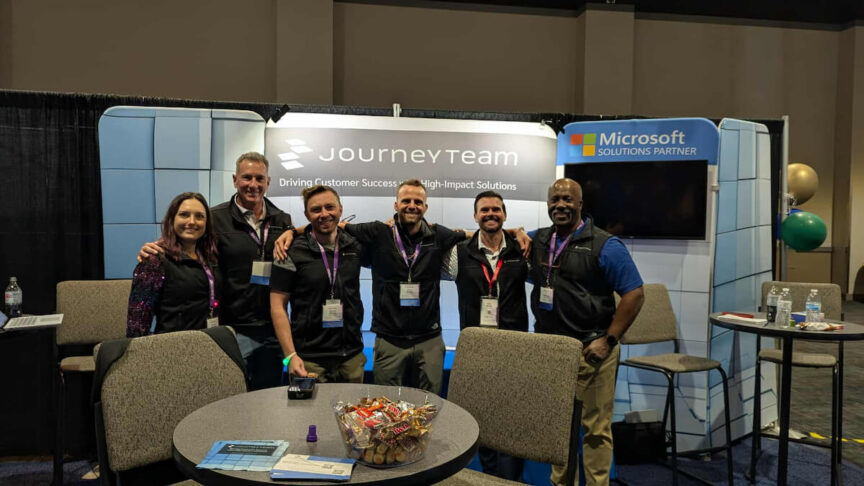
There’s plenty of interest in Microsoft Copilot’s AI agents, but teams are struggling to turn their ideas into clear plans for how to start and what to build. We heard it over and over again at the Power Platform Community Conference 2026:
- Which process should we start with?
- Who owns it once it’s built?
- How will we know it’s working?
- What does this cost?
We hear these same questions every week in our customer conversations at JourneyTeam. Answering them starts with understanding the business process you want to improve before deciding what to build.
The Real Takeaway: Start With the Business Process
Microsoft framed the week around process: take a broken process, describe the outcome you want and bring apps, automation, and agents together to get there.
We agree that the process should come first. Building faster does not replace answering the four questions above. Without that groundwork, you can end up with an app or agent nobody owns.
The next step is choosing the right tool for the work. Which option fits the process: Copilot, an agent, automation, or a combination?
- Copilot fits a person who needs help drafting, summarizing or finding information.
- Automation fits a repeatable, rules-based handoff.
- An agent fits work that needs judgment across many steps and systems.
Many real processes need all three. Let the process decide the right mix, not the latest demo you might have seen.
Three Power Platform Updates to Evaluate
Of the changes Microsoft announced, here’s three highlights and what they could mean for your business. Note that some features are still in preview or early access, so separate what you can explore from what could be put into practice.
Running Apps More Easily With Copilot Managed Runtime
Copilot Managed Runtime is a hosted service where apps run after they’re built. Microsoft provides the hosting and sign-in services, and your team controls the business data and connections. You can test updates while others use the current version, and IT can review published apps in the Microsoft 365 admin center.
It applies to the new app-building experience in Copilot Studio; it does not mean all existing Power Apps or Power Automate flows move to this service.
Introduced in public preview in September, you should decide who reviews data access, who keeps the app supported and who approves spending before expanding use.
Building and Updating Power Apps: Canvas Authoring Agent
The canvas authoring agent helps you build or update a canvas app directly in Power Apps. Describe what you want in plain language, and the agent creates or changes the app’s screens, buttons, forms, and lists.
Before the agent builds or changes the app, you review its proposed plan, including its assumptions. The result is a canvas app you can still edit yourself. You remain in control: the agent cannot save, publish, or share it on its own.
This in-editor agent is separate from the canvas authoring plugin, that lets developers work with external coding tools.
Start with a small, low-risk test using your own content. Define what the app must do and have someone qualified review the result before wider use. Note that it’s still in preview and not meant for production use.
Supporting Ongoing Work: Agent Accounts and Business Process Memory
Microsoft announced two Copilot Studio capabilities – agent accounts and business process memory – to help agents support ongoing business processes, including those supported by Power Apps.
Agent accounts give an agent its own approved Microsoft 365 sign-in and permissions. People can assign it work through Teams, email or document comments, rather than starting a separate agent conversation for each task.
Business process memory lets an agent retain process details and preferences for the next round of work. People have less context to repeat each time they ask it to help. For an early test, keep the scope small.
Name someone responsible, decide when the agent needs human approval and make sure you can stop the test if something goes wrong. These capabilities are still in early access through Microsoft’s Frontier program.
A note for next year: PPCC 2026 was the fifth and final event under the Power Platform Community Conference name. Starting next year, the conference becomes Maker Con.
Answer Four Questions Before You Build
These announcements offer new ways to build and support business processes. To decide where they fit, return to the four questions we started with. Work through the answers with business and IT.
- Which process should we start with? Choose a clearly defined business problem with someone responsible for it and an outcome you can measure. Then look at the apps, flows and sites you already use to support that process.
- Who owns it once it’s built? Every solution needs a business sponsor. IT can secure and support it, but only the business can say whether it’s worth running.
- How will we know it’s working? Measure a baseline before you build. If you don’t know how long a process takes today, you can’t prove an agent improved it. Then agree on what a good result looks like. Copilot Studio now includes tools for testing and reviewing agents, but they only help if the team has defined what good looks like.
- What does this cost? Think in cost per outcome, not just cost per license. In Copilot Studio’s newer agent experience, Preview and Evaluate show estimated Copilot Credit usage while you test.
Our Copilot Licensing & Credits Pricing guide is a great primer to help you understand Copilot and Copilot agent consumption costs.
Turn Your Interest Into a Supported First Step
JourneyTeam’s Copilot Sherpa helps your team work through these four questions with expert guidance, so you can decide what to build and why.
Over three weeks, your team joins a live online cohort, learning from JourneyTeam experts with 1:1 support for both business and technical participants.
You get the opportunity to:
- Choose a real business problem and the right tool for it: Copilot, an agent, automation, or a combination.
- Build and test a simple agent prototype using your own content.
- Develop a business case that covers the investment, expected benefits and how success will be measured.
- Learn an approach you can reuse on the next process.
Sherpa gives your team guided progress and the evidence to decide what to do next with confidence. Explore the program to learn more. Then, if you have questions, reach out and we’ll start a conversation.