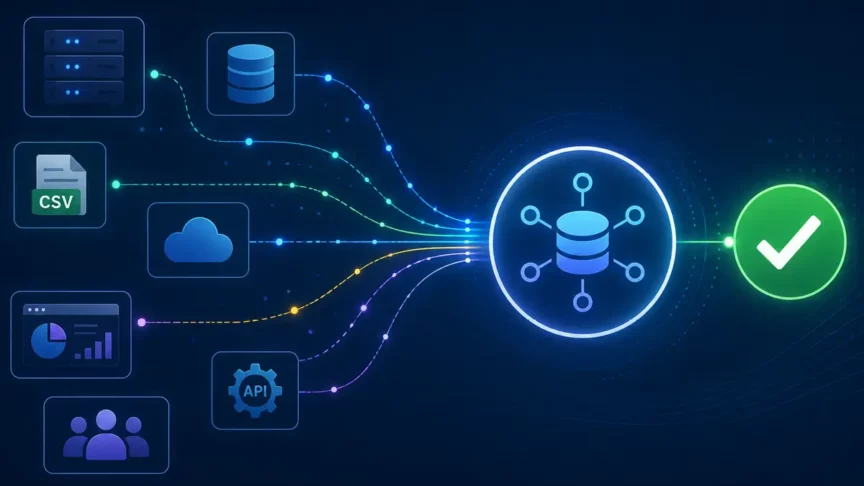
In today’s IT-focused world, businesses are increasingly embracing the cloud to harness its scalability, agility, and cost-efficiency. Microsoft Azure, one of the leading cloud platforms, offers a compelling solution for organizations looking to migrate their on-premises workloads to the cloud. However, migrating to Azure is not a one-size-fits-all endeavor; it involves a complex set of challenges and requires meticulous planning and execution. Delve into the common challenges, solutions, and best practices associated with migrating on-premises workloads to Azure, so you can have a successful migration.
Understanding the Azure Migration Journey
Before diving into the specifics of migration, note that migrating to Azure is a multi-step journey that’s broken down into several key phases:
1. Assessment and Planning:
The journey begins with a thorough assessment of your existing on-premises environment. This includes understanding your current infrastructure, applications, data, dependencies, and performance requirements. The goal is to identify which workloads are suitable for migration, determine their interdependencies, and plan the migration strategy and order of the migration, accordingly.
2. Proof of Concept (PoC):
Before committing to a full-scale migration, many organizations opt for a Proof of Concept (PoC). This involves migrating a subset of workloads to Azure to validate the migration process, identify potential challenges, and fine-tune the overall strategy.
3. Migration:
The migration phase involves executing the migration plan developed during the assessment and PoC phases. It includes tasks such as data transfer, application reconfiguration, and testing. Depending on the complexity of the workloads, migration can be performed in waves or parallel streams.
4. Optimization and Monitoring:
Once the workloads are successfully migrated to Azure, ongoing optimization and monitoring are essential. This includes right-sizing resources, optimizing costs, ensuring security, and monitoring performance to meet business objectives.
5 Common Challenges in Azure Migration
Here is a deeper look into the challenges, and how to overcome them within the migration phases.
1. Assessing Workload Suitability
Challenge: Identifying which workloads are suitable for migration can be challenging. Some legacy applications may have compatibility issues, and certain workloads may not benefit from a move to the cloud.
Solution: Conduct a thorough workload assessment to determine compatibility, dependencies, and cost-effectiveness. Consider modernization options, such as refactoring or rehosting, for legacy applications that may not be cloud ready.
2. Data Migration
Challenge: Data migration can be complex, time-consuming, and error prone. Ensuring data consistency, minimizing downtime, and preserving data integrity are critical concerns.
Solution: Plan data migration carefully, considering options like Azure Data Factory, Azure Database Migration Service, or Azure Site Recovery for disaster recovery scenarios. Implement data validation and testing to ensure data integrity.
3. Application Compatibility
Challenge: Some applications may rely on specific on-premises configurations, libraries, or dependencies that are not compatible with Azure.
Solution: Assess application compatibility early in the process. For applications with compatibility issues, explore modernization options, containerization, or the use of Azure App Service for hosting.
4. Security and Compliance
Challenge: Ensuring the security and compliance of workloads in Azure is a paramount concern. Data breaches, compliance violations, and misconfigurations are potential risks.
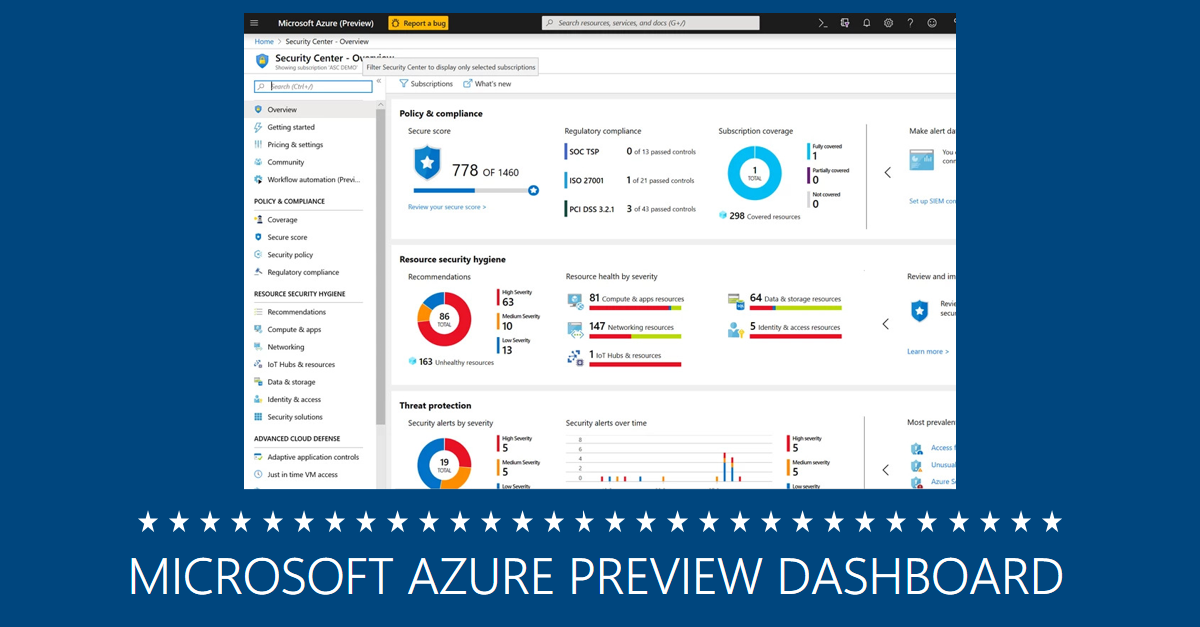
Solution: Implement Azure’s robust security features, including Azure Security Center, Azure Policy, and Azure Active Directory. Conduct regular security audits and compliance checks to ensure adherence to industry standards and regulations.
5. Performance Optimization
Challenge: Achieving optimal performance in Azure can be challenging, especially for resource-intensive workloads.
Solution: Continuously monitor and optimize resources using Azure Monitor and Azure Cost Management. Implement auto-scaling and load balancing where appropriate to handle variable workloads efficiently.
Best Practices for Successful Azure Migration
- Develop a Comprehensive Migration Plan: A well-defined migration plan is crucial. It should include timelines, dependencies, roles and responsibilities, and a rollback plan in case of unforeseen issues.
- Prioritize Workloads: Not all workloads need to be migrated simultaneously. Prioritize workloads based on business value, complexity, and dependencies to ensure a smooth migration process.
- Implement DevOps Practices: Leverage DevOps principles to automate deployment, testing, and monitoring of workloads in Azure. Infrastructure as Code (IaC) tools like Azure Resource Manager (ARM) templates can simplify resource provisioning.
- Backup and Disaster Recovery: Implement robust backup and disaster recovery strategies in Azure to ensure data protection and business continuity.
- Training and Skill Development: Invest in training and skill development for your IT teams to ensure they are well-equipped to manage Azure resources effectively.
Begin Your Migration to Azure
Ready to Start Your Azure Migration?
Whether you’re just beginning to explore the cloud or you’re ready to make the move, JourneyTeam can help you navigate every step of your Azure migration securely, efficiently, and with zero guesswork.