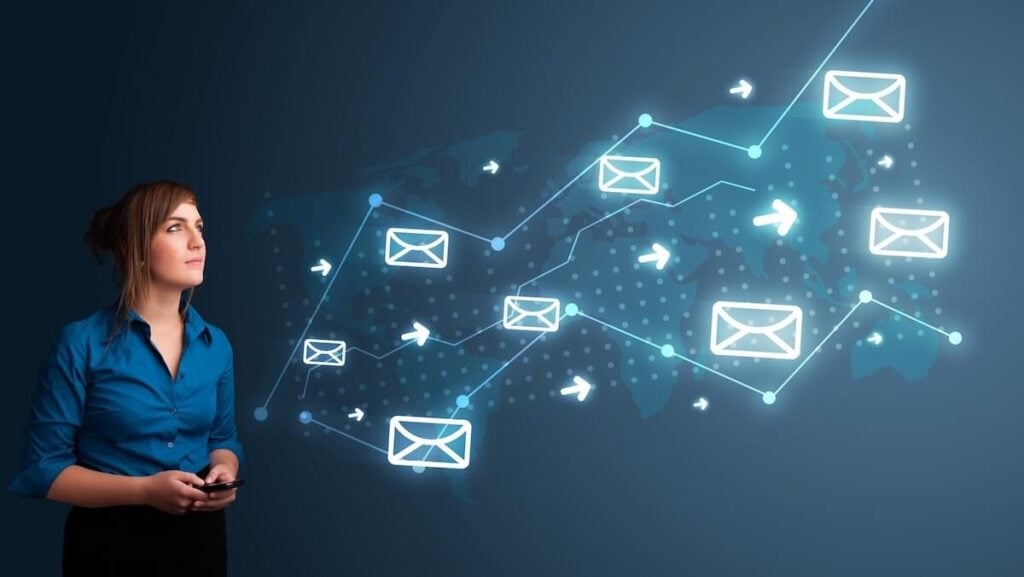
Email remains one of the most commonly exploited entry points for cyberattacks. Whether it’s phishing, data exfiltration, or account compromise, misconfigured email systems can create serious risks. One of the most concerning attacks our customers are seeing involves the misuse of a Microsoft 365 feature called Direct Send.
Originally designed to let internal devices like printers, scanners, or business applications send email without authentication, Direct Send is being weaponized by attackers. This article outlines the issue, how to detect potential misuse, and how JourneyTeam can work with you to lock down your systems and prevent email-based attacks.
Here’s Why Direct Send is so Risky
What makes this threat so dangerous is that it leverages Microsoft’s own infrastructure in a way that can bypass normal security checks, letting malicious emails slip into user inboxes looking as though they came from a trusted internal source.
Left unchecked, Direct Send can allow attackers to send convincing, high-risk phishing emails that evade many of the protections you rely on. Here’s how they do it:
- No credentials required: An attacker only needs to know your tenant’s publicly available MX endpoint (e.g., yourcompany-com.mail.protection.outlook.com).
- Direct external connection: They connect over port 25 from any external source directly to your mail endpoint.
- Internal spoofing: They send an email that appears to come from a trusted internal user, such as an executive or IT admin, to another valid user in your tenant.
- Malicious payload delivery: Messages often impersonate voicemail or fax notifications, with malicious PDF or HTML attachments containing QR codes or links to credential-harvesting sites.
Warning Signs of a Direct Send Security Issue
If you’re unsure whether your environment is exposed, look for these indicators:
User-Reported Red Flags
- Unexpected or suspicious emails sent from internal addresses — even from executives or IT staff.
- Messages that look like internal voicemail or fax notifications
- Attachments, especially PDFs or HTML files containing QR codes or links.
Indicators for Administrators
- Spikes in outgoing email volume, particularly overnight or during weekends.
- Mail logs showing sending activity from unknown IP addresses or unrecognized service accounts.
- Delivery errors or spam reports originating from your own domain.
- Message header anomalies such as sending IP addresses that are external and not on your approved list.
If you’ve spotted any of the warning signs above or want act proactively, your next step is to secure Direct Send based on the type of mail environment you run. Direct Sendvulnerabilities can affect organizations whether they use On-Premises Exchange, Exchange Online, or a Hybrid setup.
At JourneyTeam, we recommend our customers migrate away from Direct Send entirely and replace it with a more secure option. If you are unsure as to how to proceed, our JourneyTeam’s security experts can provide assistance tailored to your organization’s specific needs.
Best Practices for Ongoing Security
Disabling Direct Send is only a first step. To maintain long-term protection, organizations should always be considering ways to strengthen email security controls. In addition to replacing Direct Send, keep these tips in mind:
- Strengthen authentication and access controls with MFA for all accounts, both service and admin.
- Monitor and audit regularly with detailed SMTP and message trace logging. Use Microsoft Defender for Office 365 to monitor for phishing attempts and suspicious patterns.
- Use Microsoft Purview Message Encryption for emails containing sensitive information and apply rights management controls to prevent unauthorized sharing.
Train Every User to Spot the Threat
Even the most advanced security controls can’t stop every malicious email from reaching inboxes. That’s why end users are always a critical part of the defense strategy. When they can spot warning signs and have the confidence to act quickly, you’ll have an added layer of protection against Direct Send–based attacks. Tips to remember:
- Teach users to spot suspicious or spoofed internal emails—even if they seem to come from a trusted sender.
- Remind staff that internal-looking messages can still be dangerous, especially those containing QR codes or unexpected attachments.
- Equip users with a quick, simple reporting process so they can flag suspicious messages without delay.
Secure Configurations = Secure Communications
Misconfigurations, especially around email can be subtle but damaging. Don’t underestimate the impact of one insecure printer or legacy app. Closing these gaps now means fewer risks and fewer support headaches.
At JourneyTeam, we continue to receive feedback from customers about ongoing security problems, including a recent report on phishing scams that are bypassing email security. We’re committed to sharing what we uncover, the risks that may arise, and how they might affect your organization’s security posture.
If you’d like to learn more about how JourneyTeam is helping customers secure their Microsoft environments against these emerging threats, visit our Proactive Security Solutions page.